Palora
Virtual-analog synthesizer
Make the sound yours
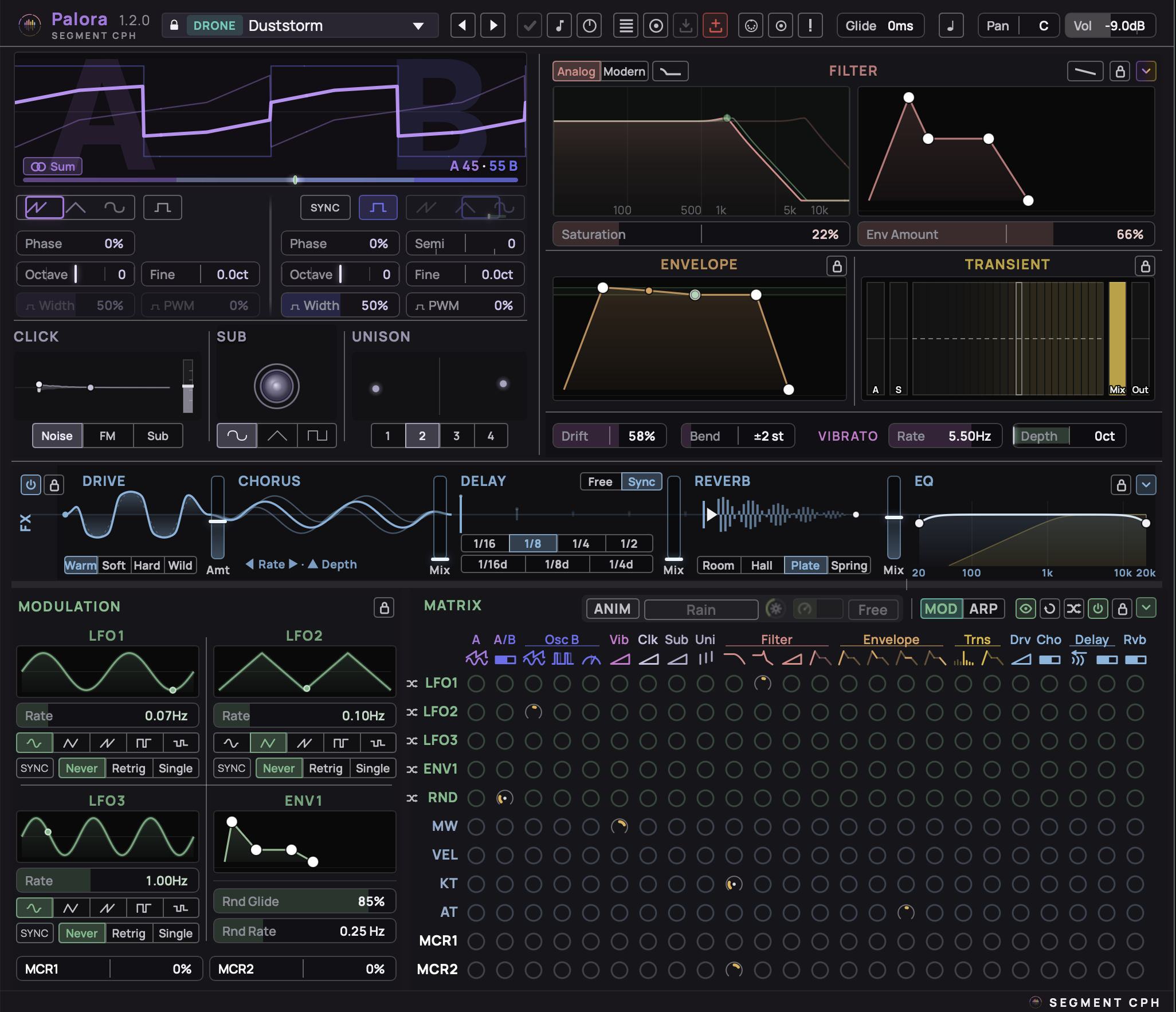
Made with Palora
Warm, punchy, alive
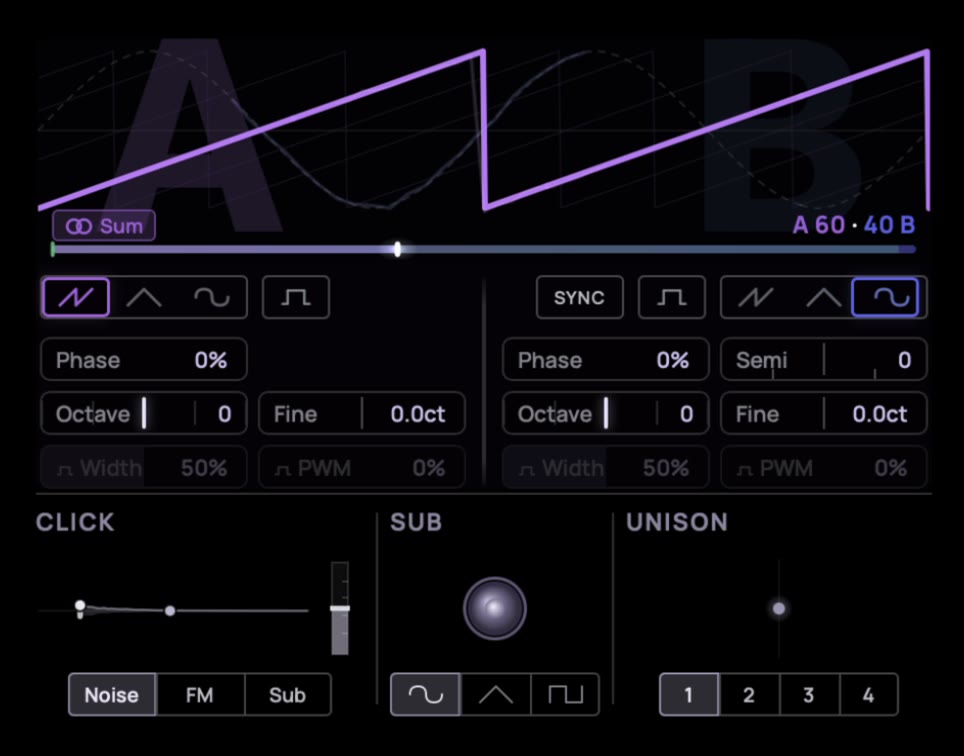
Twin morphing oscillators, a sub an octave below, and our Click generator for a punchy transient. Detune, drift, and unison turn one note into an ensemble.
Sound design you can see
Palora shows you what every control does. Colors, layout and a “spotlight” that lights the section you are changing keep the signal flow clear. Set a parameter right in its visualizer, and watch the modulation move it.
From Palora owners
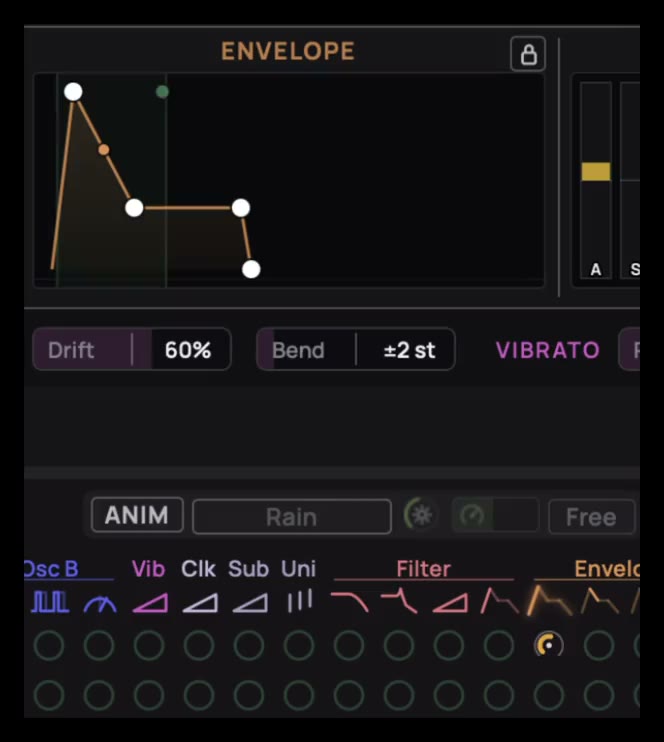
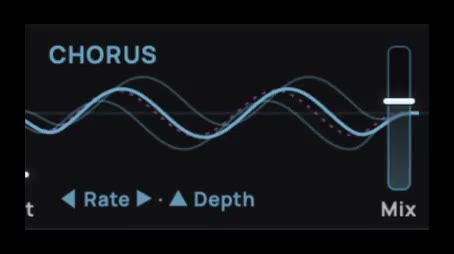
“Palora is one of the few synths that I have gotten excited about in quite some time! … It's a fun and inspiring synth! … Thank you for making a very interesting tool for creative self-expression.”
“It does not get in the way of creating a sound. It is all there – logically in front of you. I never had to look at a manual. I just started making a sound I wanted. A small work of art.”
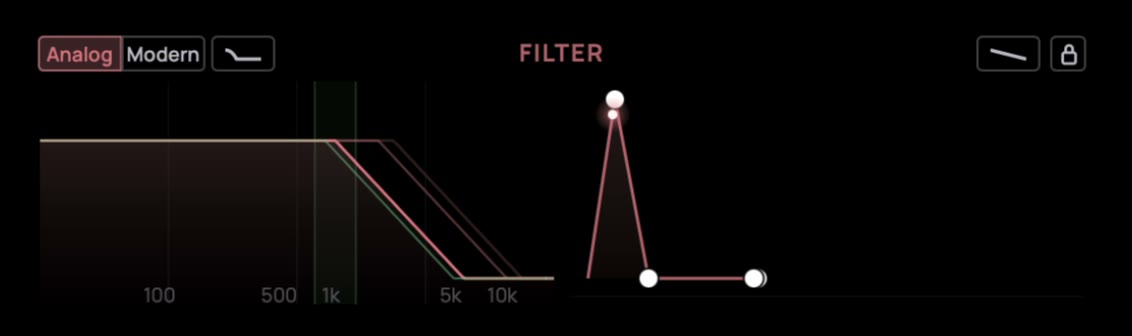
Drag the curve, hear the filter
Palora’s ladder filter has two characters: Analog adds warm saturation, Modern stays clean all the way up to self-oscillation. Set cutoff and resonance right on the curve, and shape the envelope beside it. Bass Comp keeps the low end full when you push the resonance.
Set your modulation in one grid
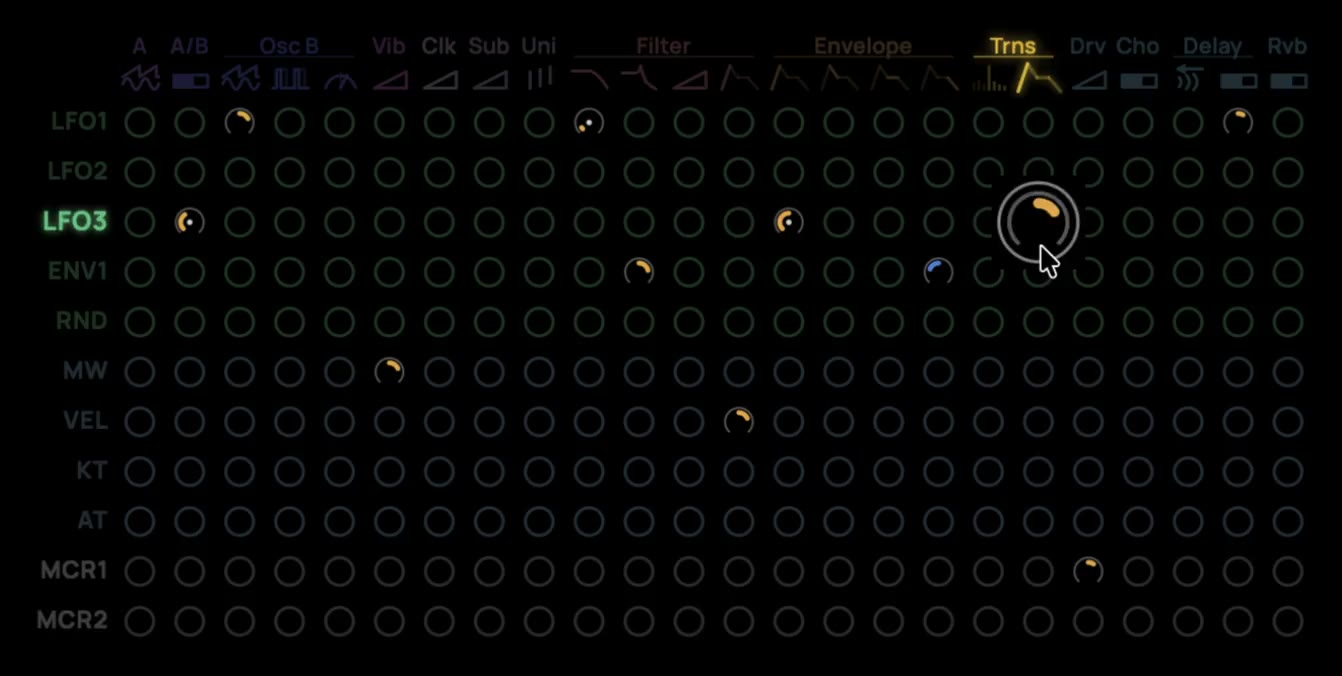
Sources down the side, destinations across the top. Click a cell to connect them, and drag to set how much. Three LFOs, an envelope, two macros and per-note randomness sit beside Velocity, ModWheel and Aftertouch, so a sound can move on its own or follow how you play.
Five effects in one flow
Each effect is drawn as it works. Take a raw patch to a finished sound without reaching for another plugin.

More in Palora
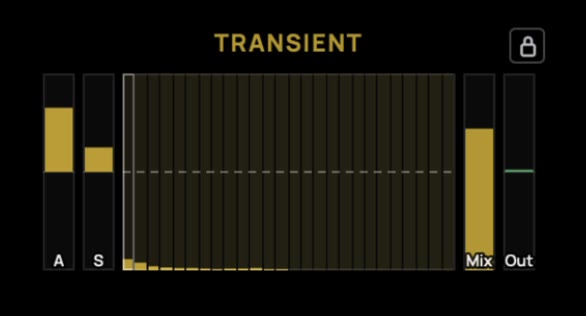
Transient Shaper
Plucks snap, bass cuts through.
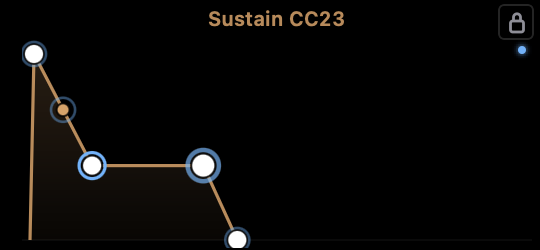
MIDI Learn
Touch a parameter, turn a knob, it's mapped.
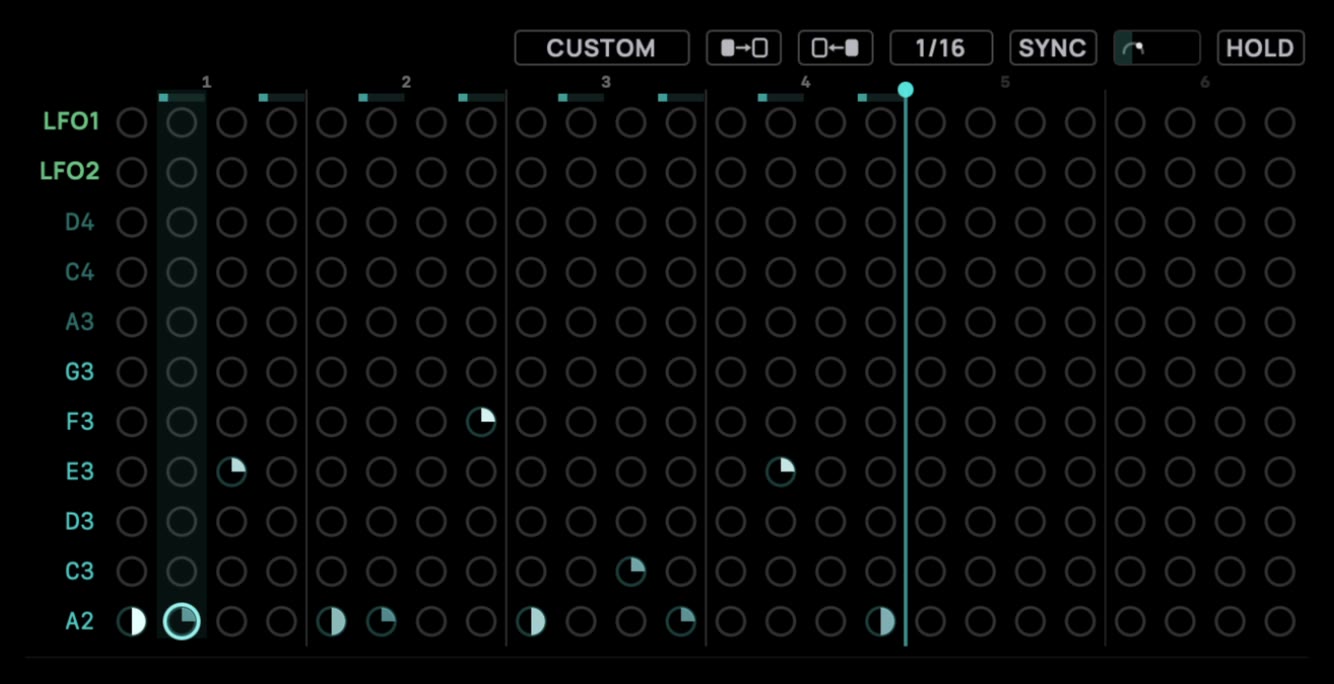
Arpeggiator
Set rate and swing, drag each step's length, and let it play.
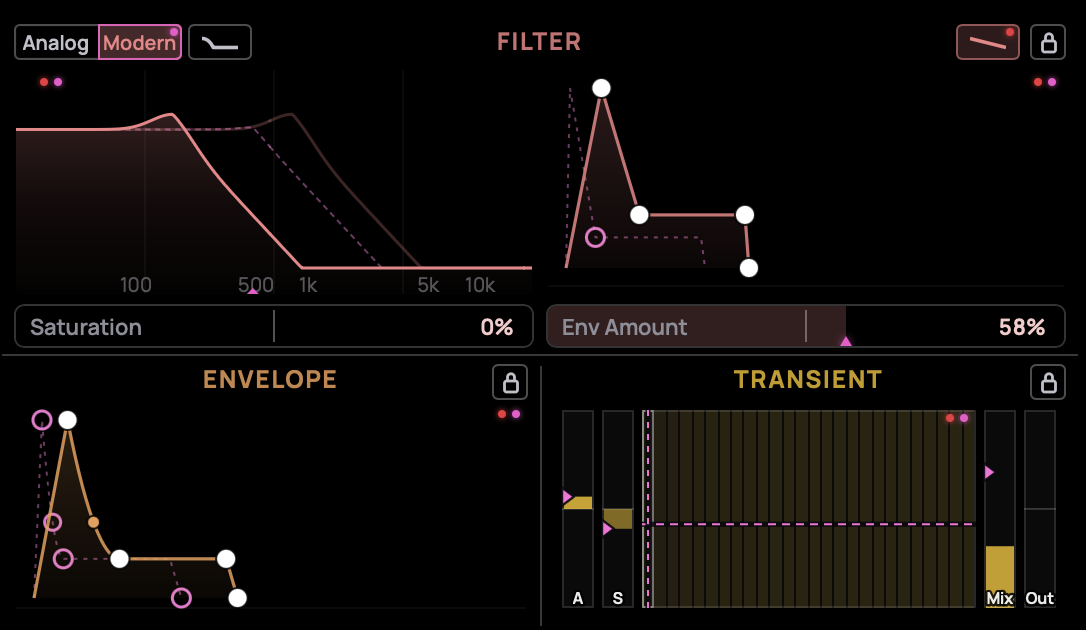
See what you changed
Switch on markers: pink shows the preset, red your changes. Double-click to reset.
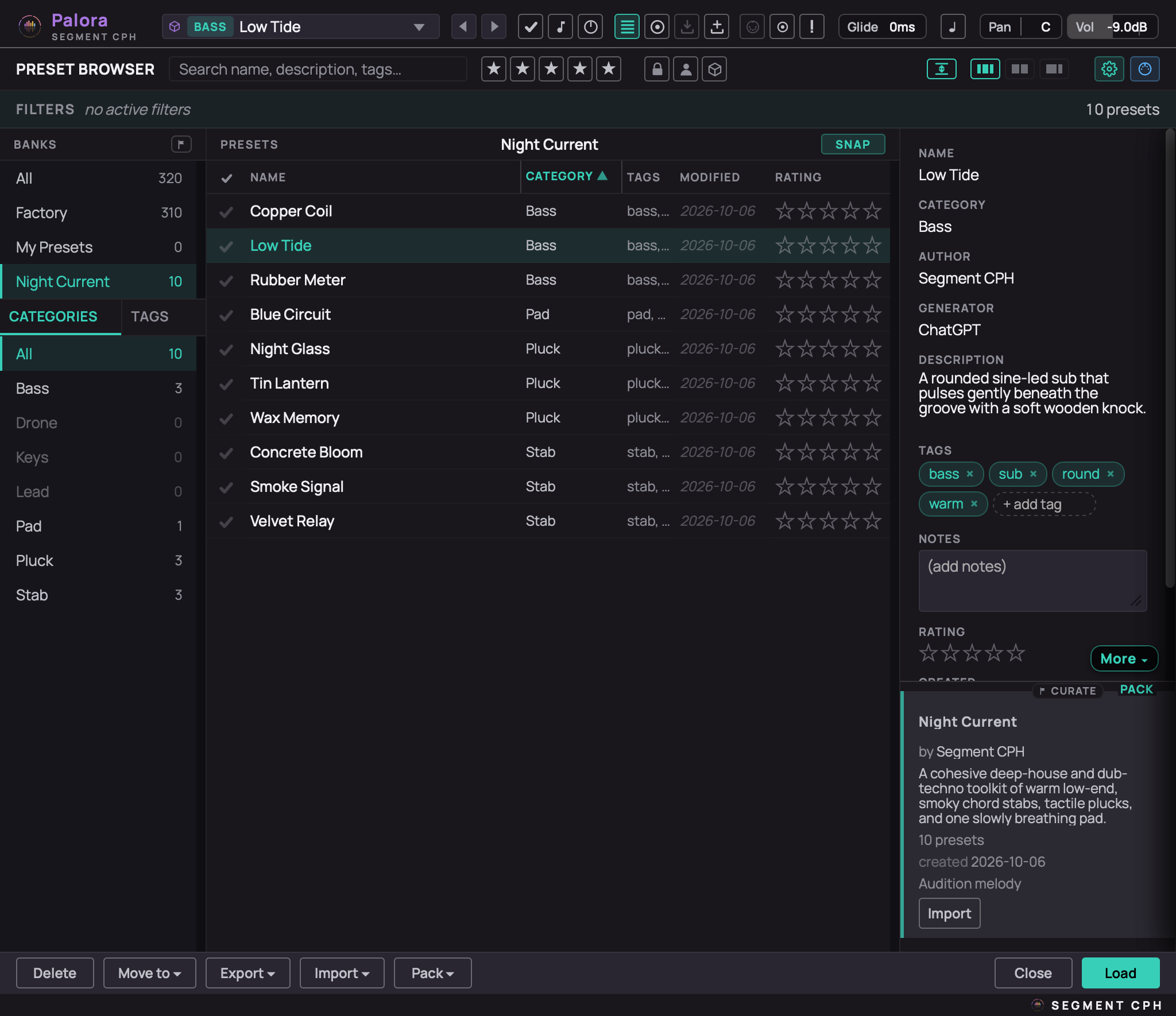
Preset manager
Browse by category and tag. Author, organize, import, export and delete presets.
Describe a sound. Get a patch.
We have taught AI how to use Palora, and boiled that down into an AI brief. Give it to your AI assistant, describe a sound or a whole pack, and import the result into Palora.
Using Claude? Install the Palora skill.
This is also a really good way to learn synthesis: describe the sound you have in mind, then see in Palora how the oscillators, filter and envelope were set to make it.
No AI runs inside the plugin. Palora is NOT an AI synth.
Open preset format
Under the hood, every Palora preset is a readable JSON file. Open it in any text editor, compare two versions, keep your sounds in version control and share them as plain files.
Prompt: A warm, dusty pluck that blooms a little when I hit it harder.
Hayloft.palora
{
  "format": "preset",
  "meta": {
    "name": "Halflight",
    "category": "Lead",
    "tags": ["lead", "warm"]
  },
  "params": {
    "oscShape": 30.0,
    "subShape": "Tri",
    "modAmt_3_10": 35.0
  }
}
Good to know
What does Palora run on?
Is there a free trial?
What's your refund policy?
How do updates work?
Changelog
1.2.04 October 2026
New
- Shrinkable window. Palora's window can now be made smaller — down to 640 × 500 — and the page scrolls inside it, with the top bar and the info line always in view. Palora remembers the size per computer and never opens larger than your screen.
- Fold the rows. Each of the three rows — Sources / Filter / Envelope / Transient, FX, and Modulation / Matrix — folds to a slim title bar with one click, and the window shrinks with it. While the Preset Manager is open, all rows are unfolded.
- Preset Manager, fitted or full size. You choose how the Preset Manager is presented in a shrunk window. Fitted, it fills what you see, with its search, filters and buttons always in view and each column scrolling on its own. At full size it keeps its complete layout and you scroll the page to reach the rest. A new toggle next to the layout buttons switches between the two, and Palora remembers your choice.
- Edge Glide. In a window smaller than the page, rest the mouse near an edge and the view glides that way. Off by default: Settings → Window, or ⌘/Ctrl + click the scrollbar.
- Loading screen. While Palora starts, it shows its name over the dimmed interface instead of a blurred picture.
Changed
- New look. The all-black background is replaced by three tones: the page, slightly darker panels, and clearly darker displays with a thin frame, so each display is easy to tell apart. Section lines are brighter.
- Row randomize buttons in the matrix now sit to the left of the source names.
- Oscillator shape selectors follow the mouse one-to-one while dragging.
- FX faders (Drive Amount, Chorus Mix, Reverb Mix) have a clearly visible border.
- Unison readout shows Spread and Detune only; the voice count is read from the voice buttons below it.
Fixed
- Matrix knobs. Enlarging a matrix knob — by dragging or scrolling — no longer cuts pieces out of the knobs around it.
- Preset Manager audition. The arp line of the audition melody now follows the preset you load in the Preset Manager.
- Trial watermark. Switching the modulation matrix off or on no longer leaves gaps in the DEMO letters.
1.1.024 September 2026
First release.
Formats & OS
Documentation
Read the manual